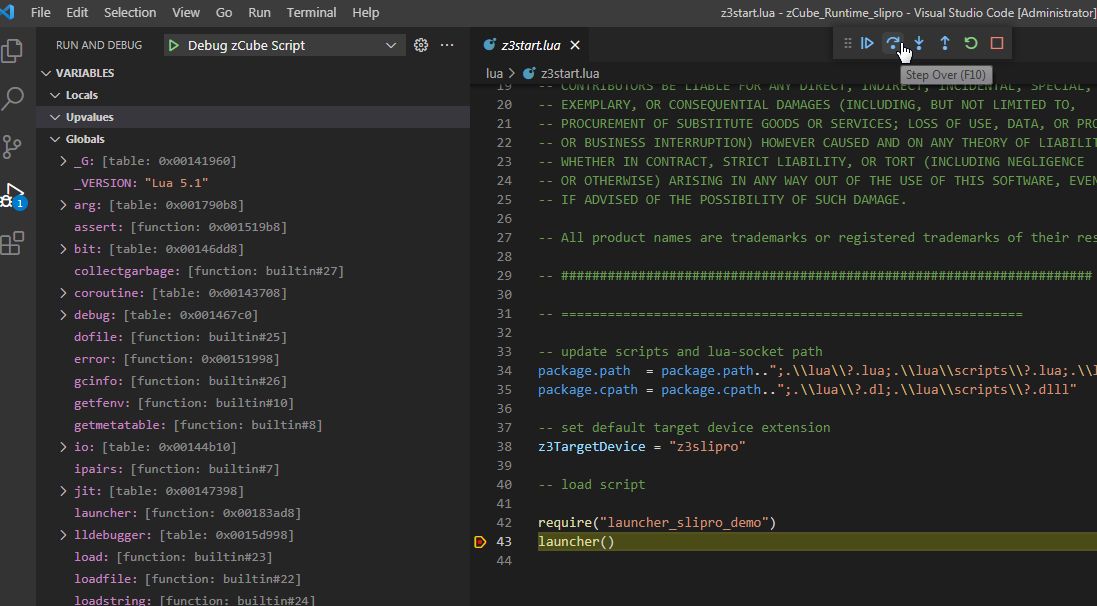
We strongly recommend to use Visual Studio Code with Local Lua Debugger extension from Tom Blind.
Install Visual Studio Code
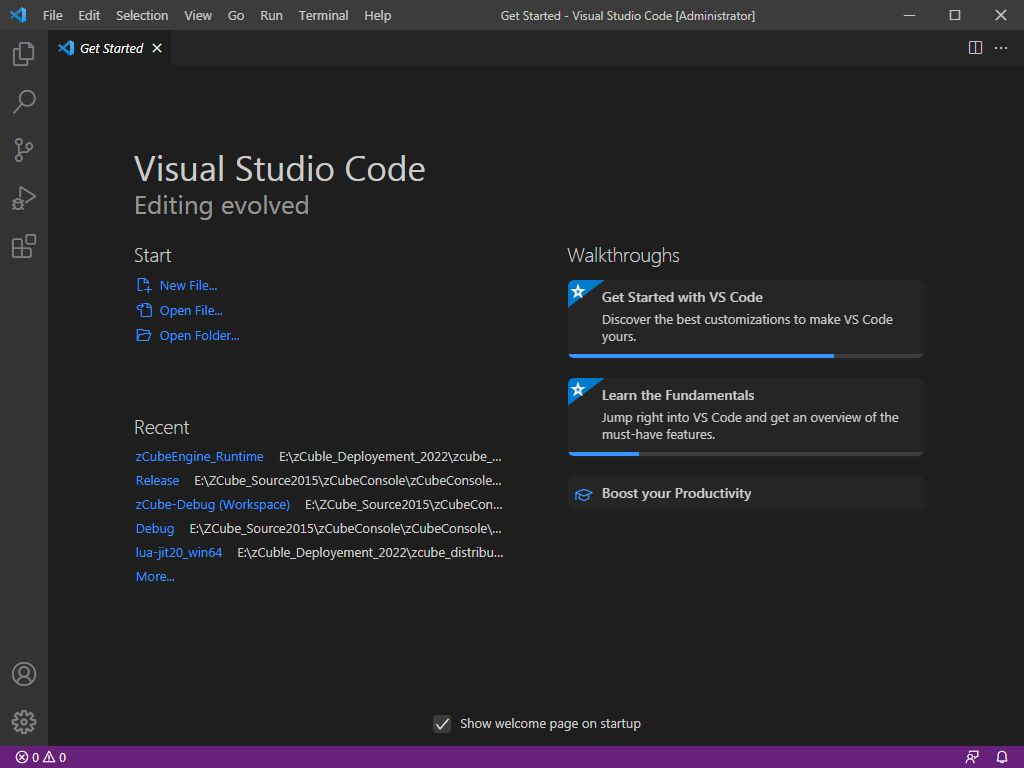
Click the VS Code Market Place Icon and search for Local Lua Debugger
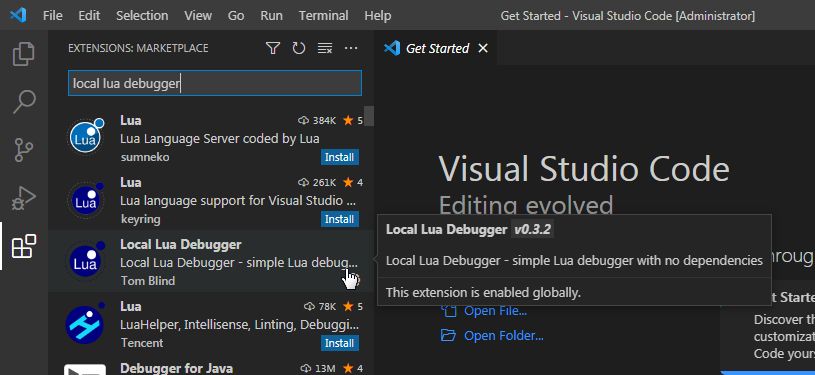
Install the great Tom Blind extension
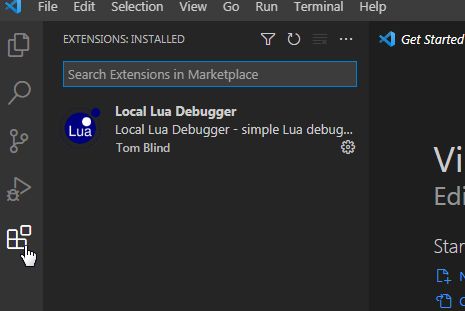
Now open zCube Runtime folder,
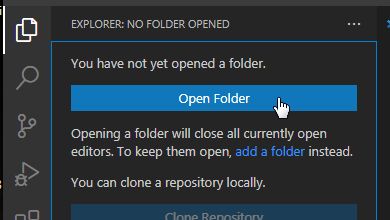
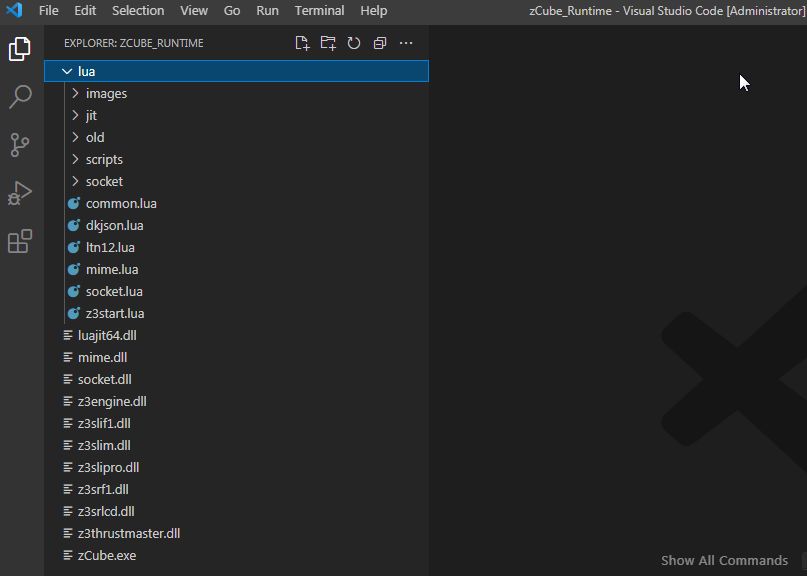
Add a debug configuration
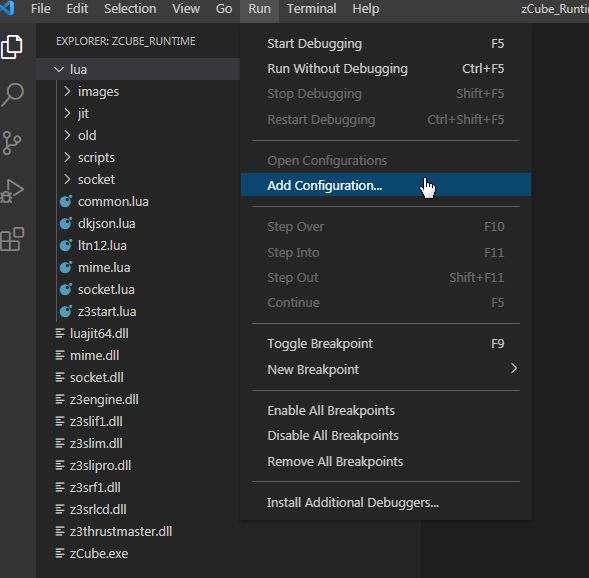
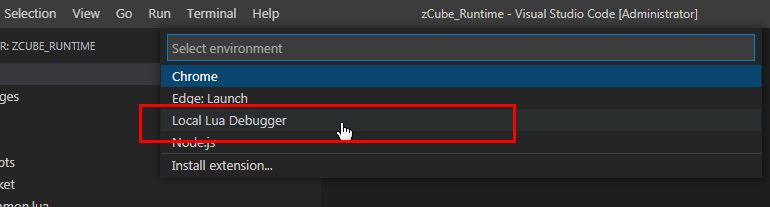
Edit launch.json in .vscode folder to add 2 configurations (the second config is for “event driven” script):
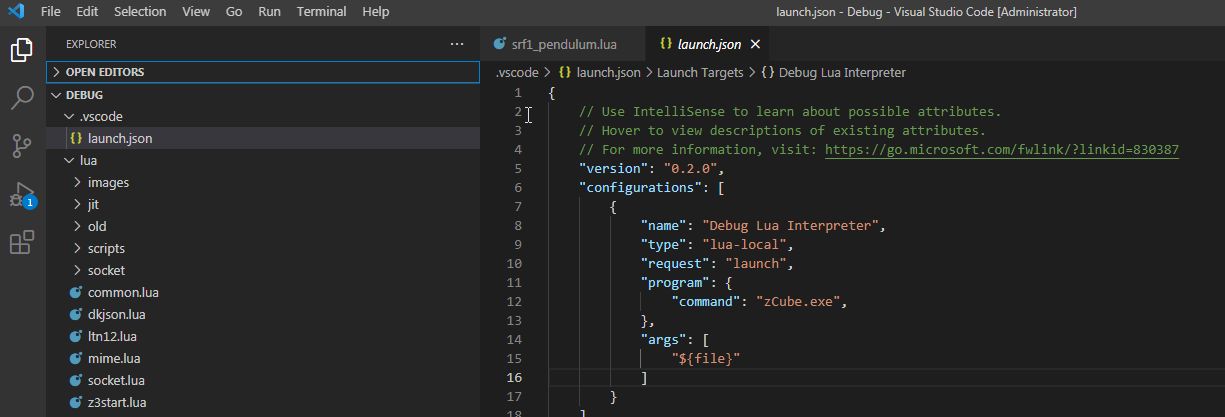
Replace the content with these lines
{
    // Use IntelliSense to learn about possible attributes.
    // Hover to view descriptions of existing attributes.
    // For more information, visit: https://go.microsoft.com/fwlink/?linkid=830387
    "version": "0.2.0",
    "configurations": [
        {
            "name": "Debug zCube Script",
            "type": "lua-local",
            "request": "launch",
            "program": {
                "lua": "zCube.exe",
                "file":"${file}"
            }
        },
        {
            "name": "Debug zCube Event Driven Script",
            "type": "lua-local",
            "request": "launch",
            "program": {
                "command": "zCube.exe",
            },
            "args": [
                "${file}"
            ]
        }
    ]
}
Congrats! You’re ready to debug your scripts.
open z3start.lua and add a breakpoint then hit F5 key